
Billing and scheduling software for landscaping and lawn care crews.
Recurring visits, monthly or per-visit invoicing, route optimization, GPS clock-in and crew pay — built for lawn and landscape crews, from $59/month.
No credit card required · All features included · Cancel anytime
I run a service business myself. I built ValLedger because every service business hits the same wall.
I own a cleaning company, and I was tired of juggling one app for quotes, another for invoicing, a spreadsheet for the books, and a “starter” plan that gated half the features I needed. Landscaping crews run into the exact same mess — route optimization locked behind a premium tier, no material cost tracking, and pricing that punishes you for growing your team. So I built ValLedger for service businesses broadly, not just mine.
Everything a landscaping company needs to run its day
Lead capture that auto-replies instantly
A public form drops every inquiry into a NEW → CONTACTED → QUOTED → WON pipeline and sends the lead an instant acknowledgment before they can book a competitor.
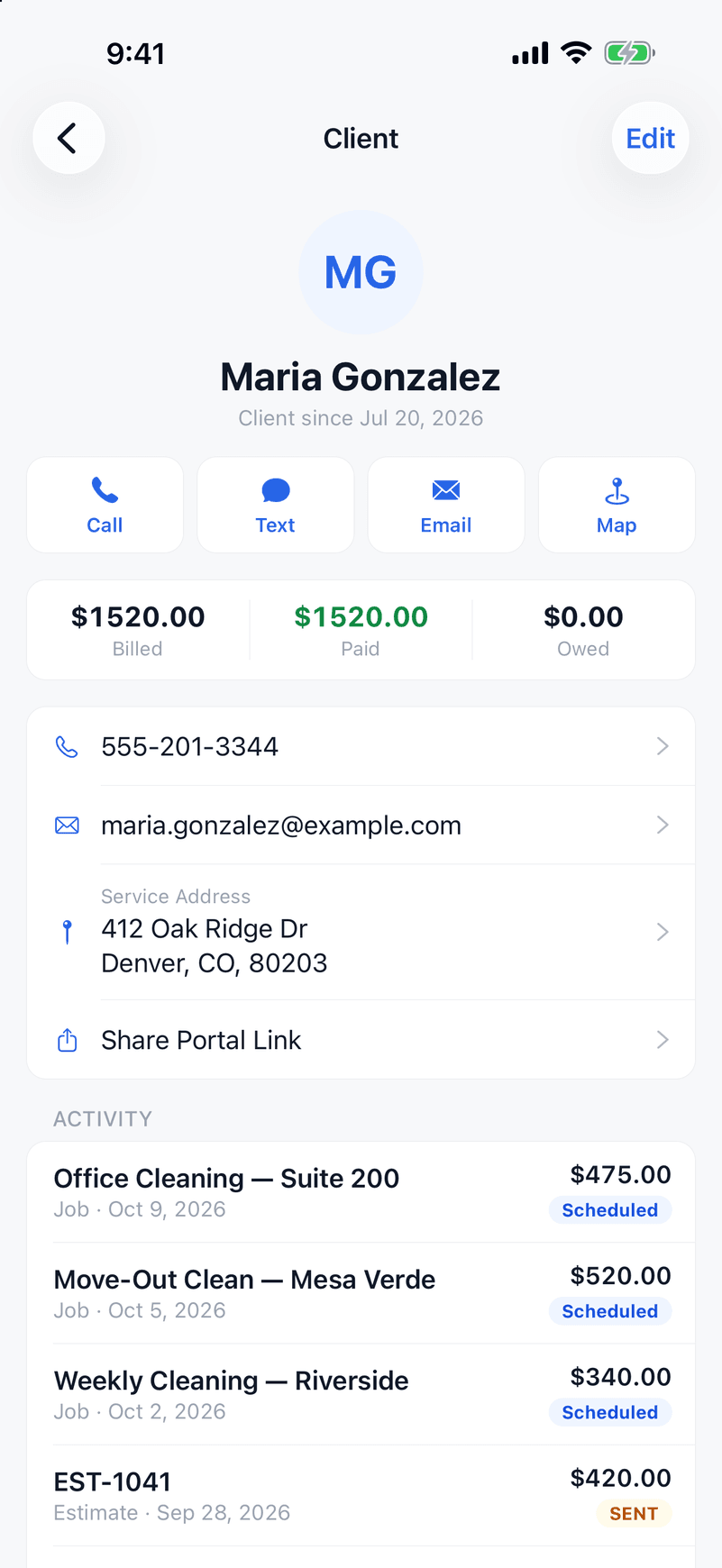
Quote from the yard, not the office tonight
A saved price book of your mowing, mulch, cleanup, and install rates means a fast quote on-site. Clients approve online — no printing, no chasing signatures.
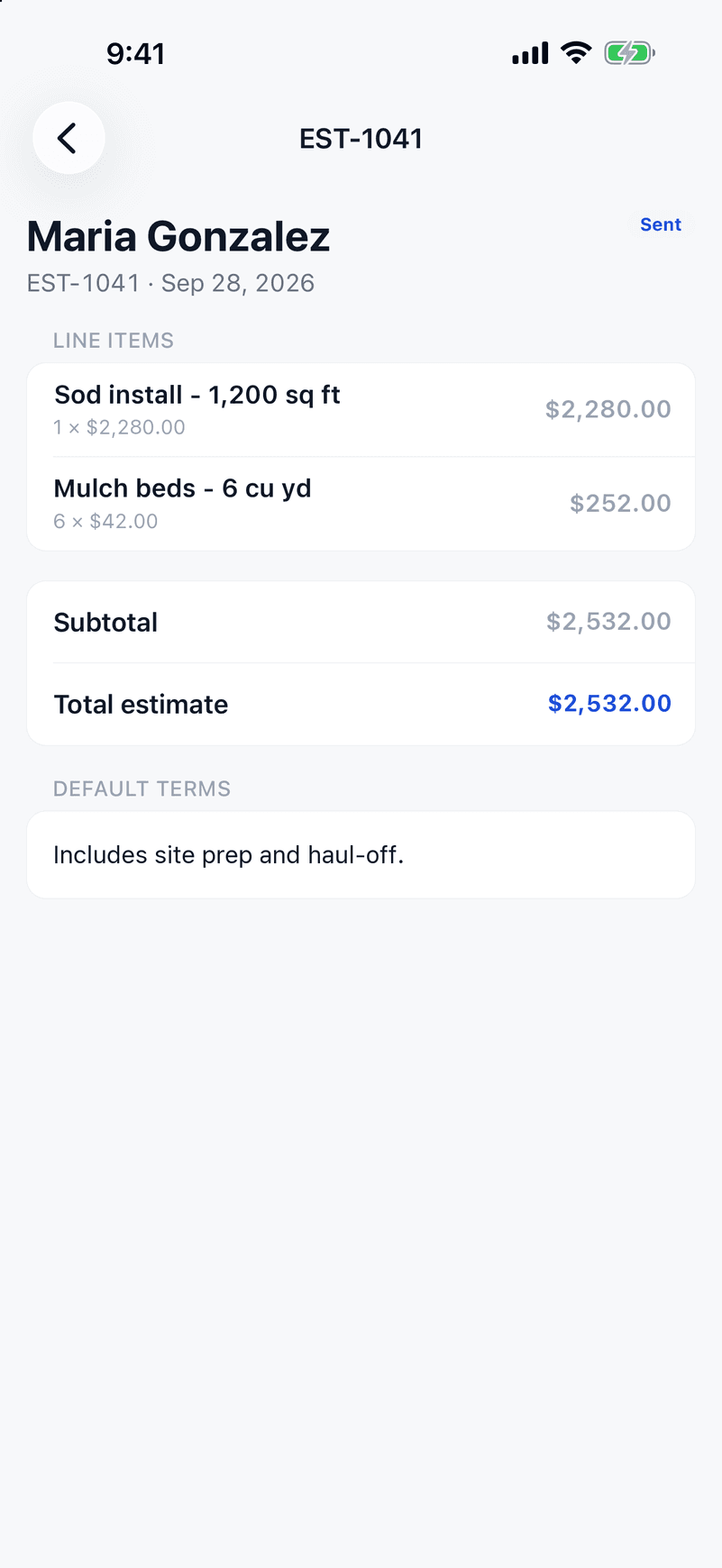
Weekly mowing routes on autopilot
Weekly, bi-weekly, or monthly maintenance visits generate themselves on your calendar automatically, with an end date for the season — the backbone of a landscaping business's recurring revenue.
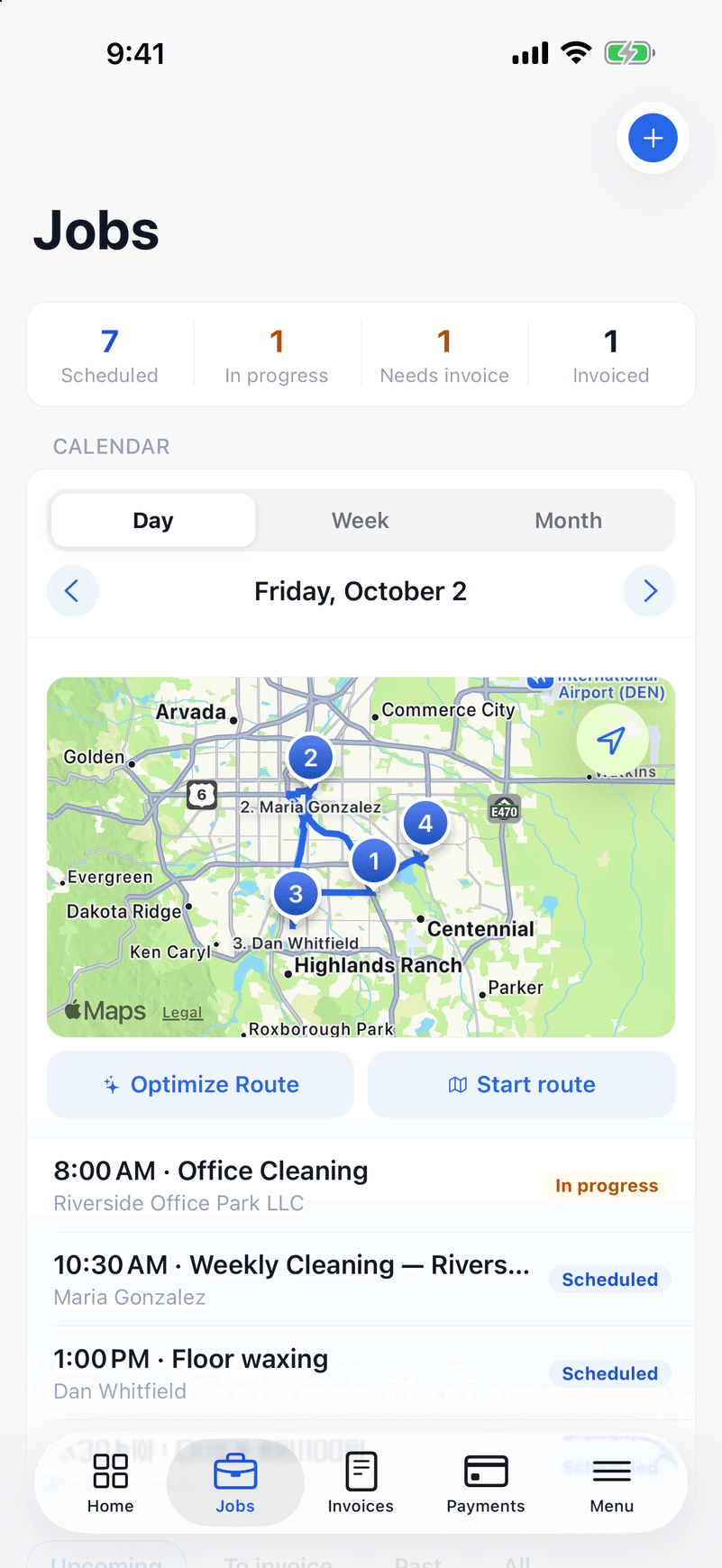
Route optimization for a full day of yards
Tap Optimize and ValLedger sequences a crew's stops into the shortest drive for the day — the single highest-leverage feature when your day is twenty small yards, not two big jobs. Included on every plan — Housecall Pro saves route optimization for its Max plan at $299/month.
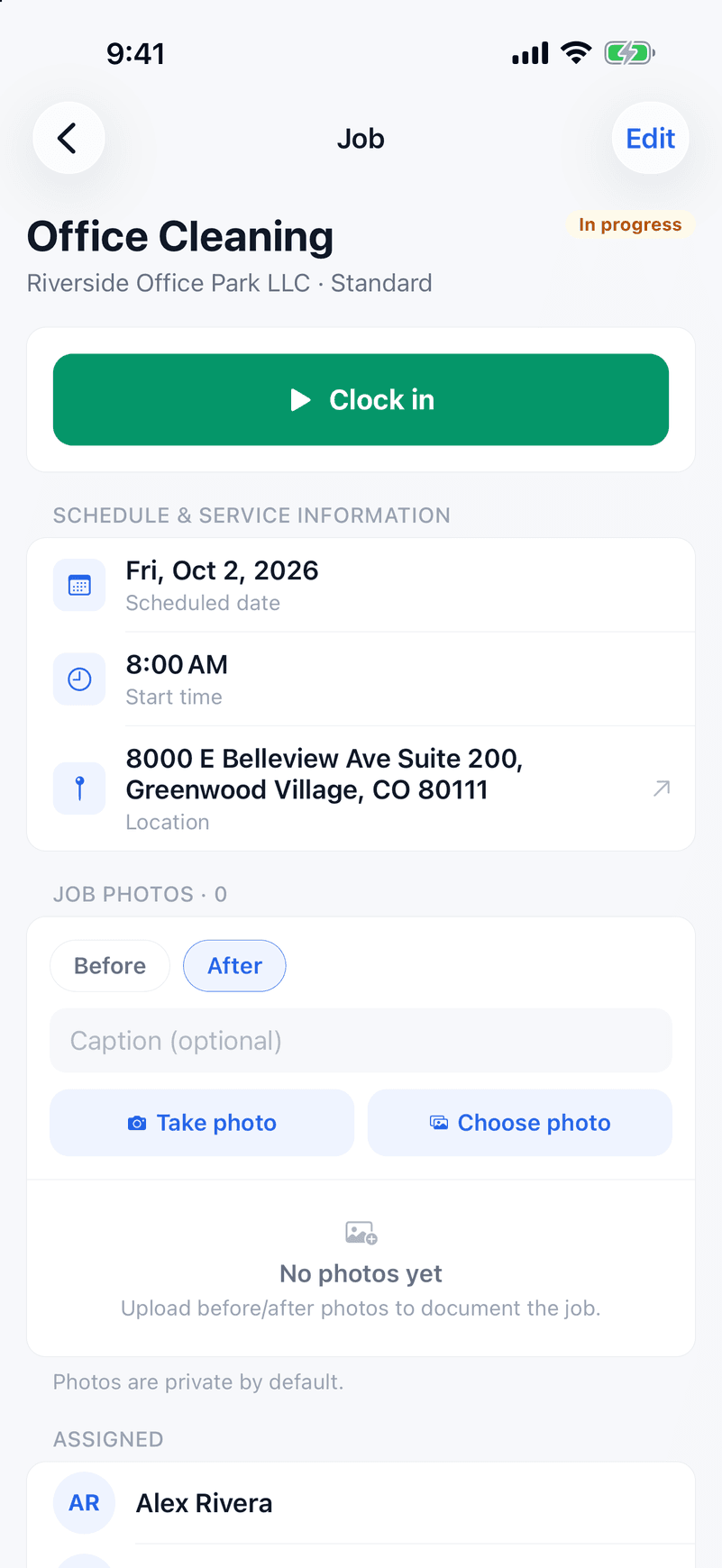
GPS clock-in for crew accountability
Crews clock in and out at each property. Those hours roll into the week's timesheet you approve, then into a payroll-ready pay run — no more guessing how long a mow-and-trim actually took.
Job costing that tracks material margins
Link mulch, seed, and equipment costs to a job and see real profitability per property, not just revenue — critical when material prices swing season to season.
Invoicing with Stripe built in
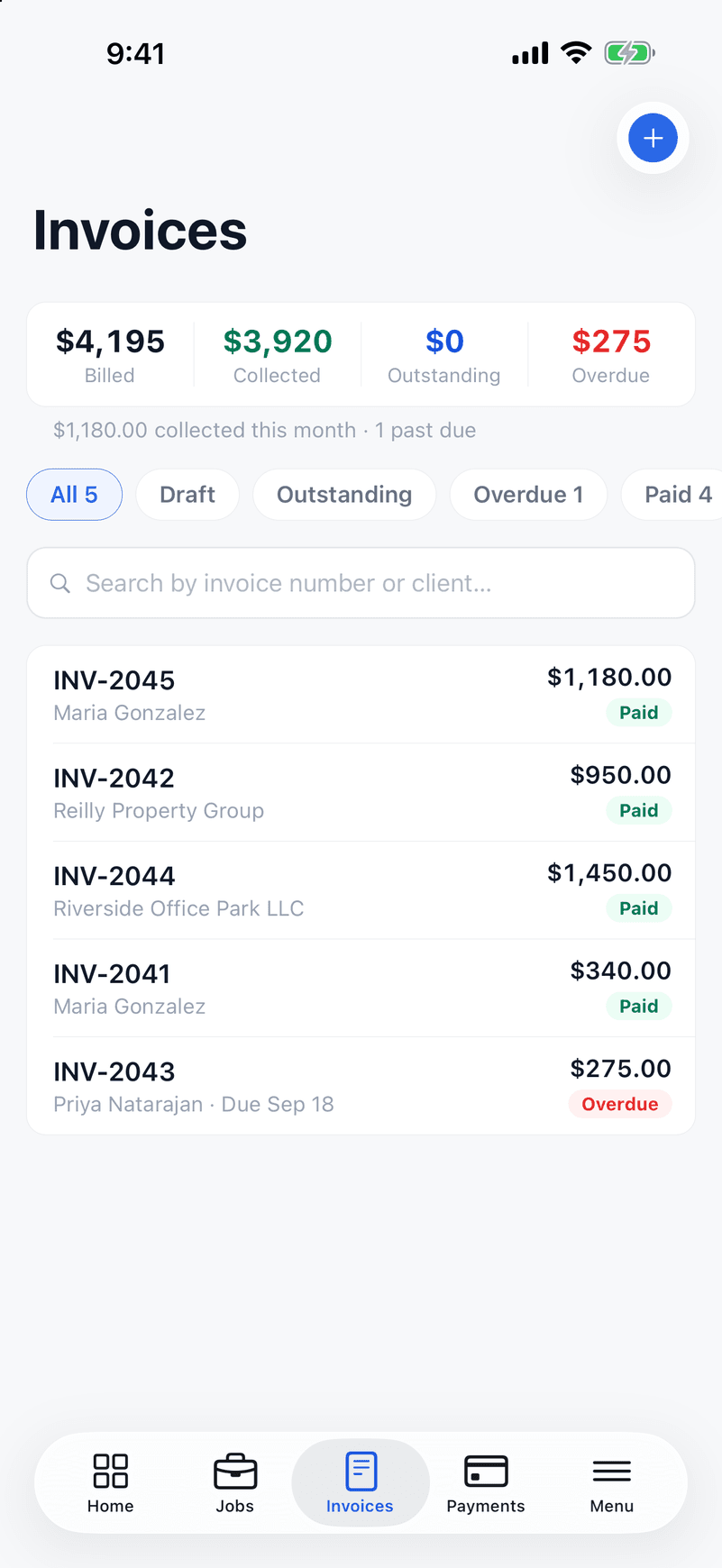
Auto-send an invoice the moment a visit's marked complete. Cards and ACH accepted, overdue reminders sent automatically.
Your crew's app in English and Spanish
Every screen a crew member sees — clock-in, job details, hours — works in Spanish, not just a translated login page. A lot of landscaping crews run bilingual; the tool should too.
How a landscaping season gets billed in ValLedger
From the first quote to the last invoice of the season, here is the path a maintenance client takes. Installs and cleanups follow the same steps as one-off jobs.
- 1
Quote it in the yard
Price mowing, cleanups, mulch and installs from your saved price book while you are still at the property. Quote per visit, or as a flat contract shown as "$180 / month" or a yearly price.
- 2
Get the yes in writing
The client approves and signs the estimate on their phone. For installs, require a deposit as a percentage or a fixed amount, paid by card or bank transfer when they sign.
- 3
Let the season schedule itself
Set visits to repeat weekly, every two weeks or monthly, with an end date for the season. When rain or snow is forecast in the next three days, the job shows a weather warning so you can move it before the crew rolls out.
- 4
Route the day and clock the crew in
Optimize a crew's stops into the shortest drive. Crew members clock in with GPS at each property, in English or Spanish, and can be required to finish a checklist before a visit is marked complete.
- 5
Bill each visit, or the whole month at once
Have an invoice created and sent when a visit is marked complete, or batch a client's completed visits into one invoice. Clients with several properties, like HOAs and property managers, keep each address separate.
- 6
Get paid and pay the crew
Clients pay by card or ACH, overdue reminders go out by email, and partial payments are fine. Crew hours roll into timesheets and a pay run with your state's overtime rules, and job costing shows what each property actually made after materials and labor.
Questions owners ask
- Can I bill a client once a month for all of their visits?
- Yes. Select a client's completed visits and batch them into one invoice, or price the work as a flat monthly contract. You can also invoice every visit automatically if you prefer.
- Is this landscape design software?
- No. ValLedger runs the business side of a lawn care or landscaping company: quotes, scheduling, routes, crew time, invoicing and payments. It does not draw 3D designs or plans.
- How do repeating visits work for a mowing season?
- Set a visit to repeat weekly, every two weeks or monthly and give it an end date, like the end of October. ValLedger creates the visits on the calendar for you. Other cadences, like every 10 days, are not supported.
- Can my crew use it in Spanish?
- Yes. Every screen a crew member uses, including clock-in, job details and hours, works in Spanish, and each person picks their own language. Client-facing estimates and invoices are in English.
- Does it handle clients with multiple properties?
- Yes. A client can have several service locations, so an HOA or property manager stays one client with each property tracked separately.
- Do my crews need an iPhone?
- The field app is on iPhone. There is no Android app yet. The office side runs in a web browser.
- What does it cost?
- Starter is $59/month for up to 5 users, Growth is $139/month for up to 15, and Business is $249/month for unlimited users. Every plan includes route optimization, GPS clock-in and job costing. There is a 14-day free trial with no credit card.
Job costing and routing without Jobber's Grow plan.
Jobber puts job costing on Grow, from $149/month. ValLedger includes job costing, route optimization, and GPS clock-in on every plan — $59/month for up to 5 users.
See the full comparisonRun your landscaping company on ValLedger.
Try it free for 14 days.
Start Your Free TrialNo credit card required · Every feature included · Cancel anytime