
Cleaning business software that runs the whole day.
Route optimization, GPS clock-in, recurring scheduling, and Stripe invoicing — built by a cleaning company owner for cleaning crews, from $59/month.
No credit card required · All features included · Cancel anytime
I own a cleaning company. I built ValLedger because I was tired of the alternatives.
I was running my own cleaning business the same way most owners are — one app for quotes, another for invoicing, a spreadsheet for the books, and a bill for a “starter” plan that gated half the features I actually needed. So I built the tool I wanted: everything a cleaning company needs, in one place, priced by seats instead of feature-gating.
Everything a cleaning company needs to run its day
Lead capture that auto-replies instantly
A public form drops every inquiry into a NEW → CONTACTED → QUOTED → WON pipeline and sends the lead an instant acknowledgment before they can book a competitor.
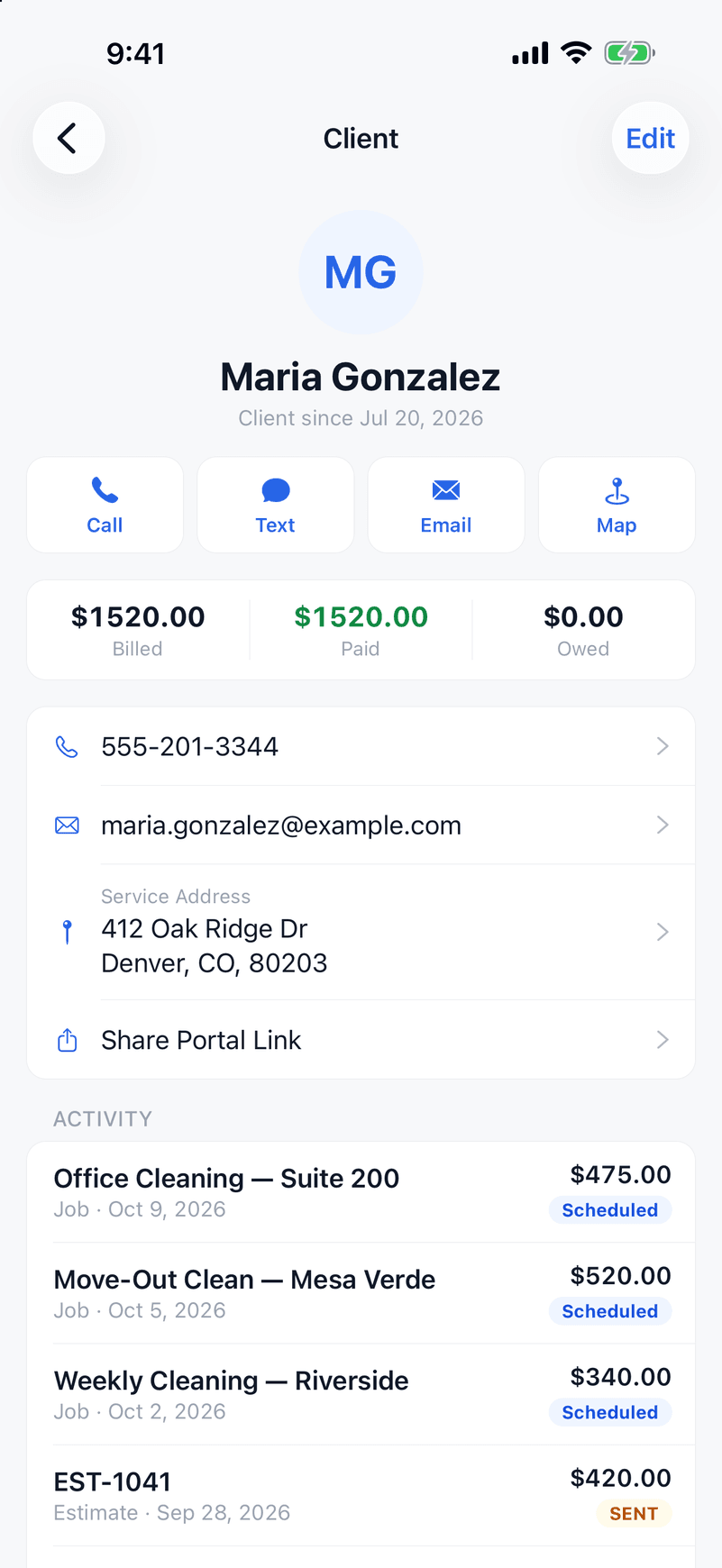
Quote from the client's driveway
A saved price book of your services and rates means a two-minute quote on-site instead of a callback tonight. Clients approve online — no printing, no chasing signatures.
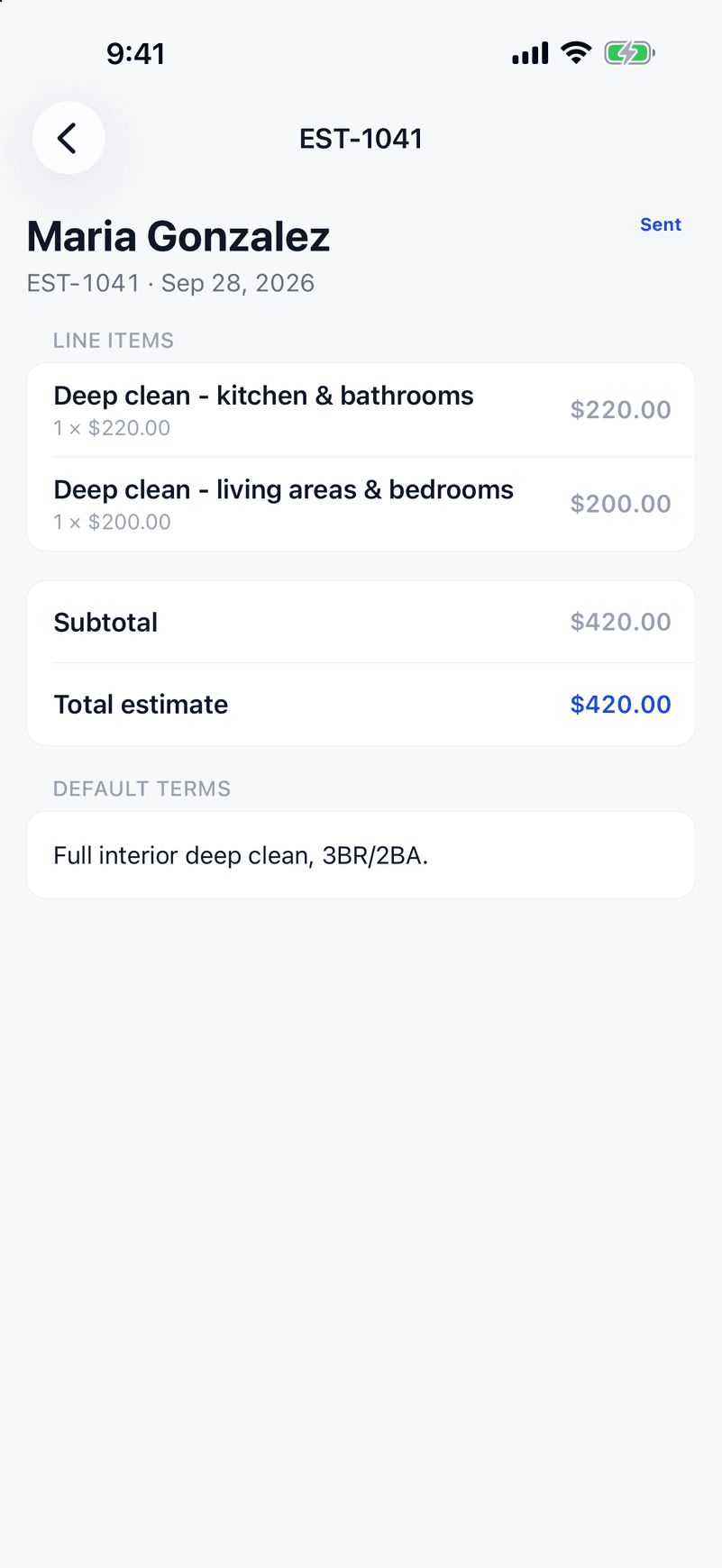
Recurring jobs on autopilot
Weekly, bi-weekly, or monthly cleans generate themselves on your calendar automatically — the backbone of a cleaning business's recurring revenue, without re-booking every visit by hand.
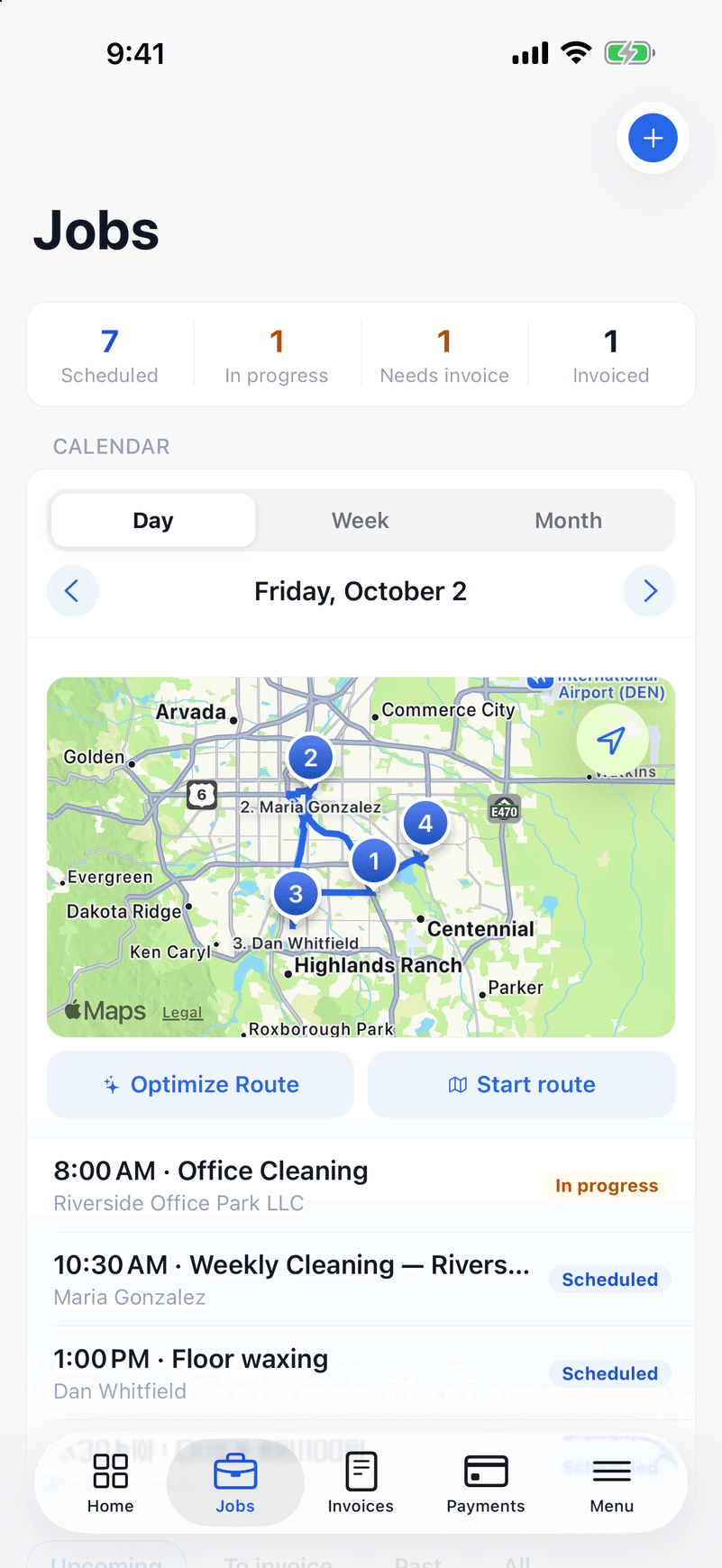
Route optimization for multi-stop days
Tap Optimize and ValLedger sequences a crew's homes into the shortest drive for the day. Included on every plan — Housecall Pro saves route optimization for its Max plan at $299/month.
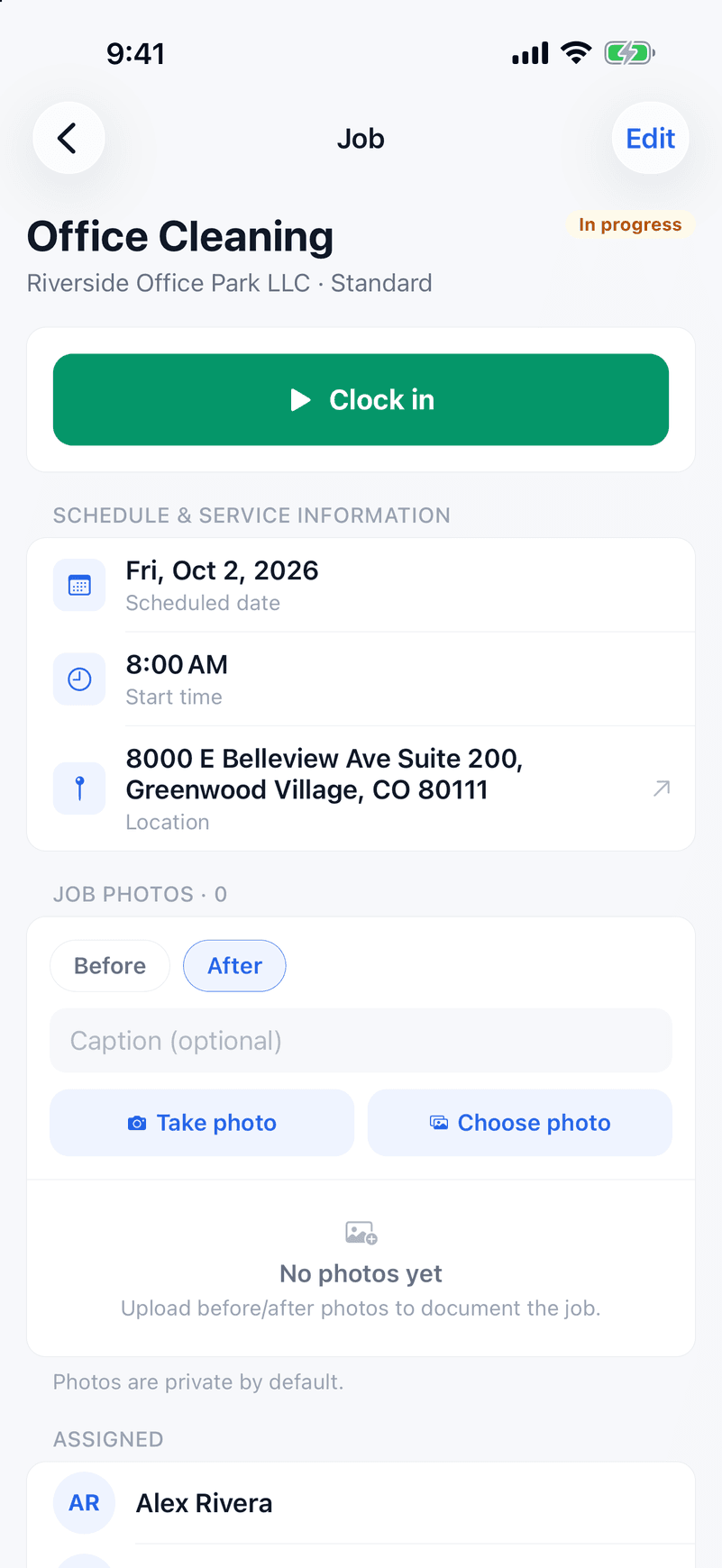
GPS clock-in for crew accountability
Crews clock in and out from the job site. Those hours roll into the week's timesheet you approve, then into a payroll-ready pay run — no more guessing what time a team actually showed up to a house.
A client portal that gets you paid faster
Clients view invoices, approve quotes, and pay online — branded to your business, no login required for them.
Invoicing with Stripe built in
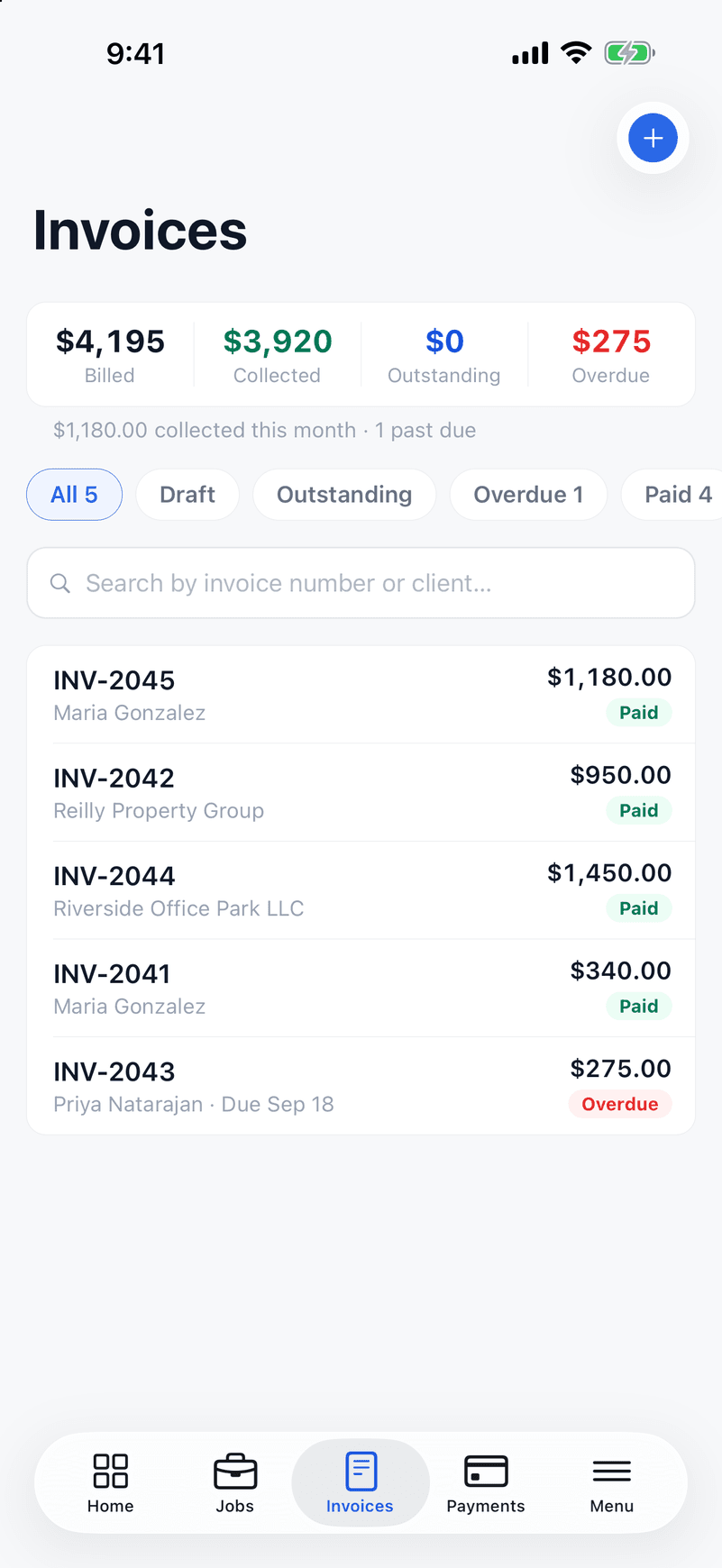
Auto-send an invoice the moment a job's marked complete. Cards and ACH accepted, overdue reminders sent automatically.
Your crew's app in English and Spanish
Every screen a crew member sees — clock-in, job details, hours — works in Spanish, not just a translated login page.
How a cleaning client gets billed in ValLedger
From the first walkthrough to the monthly invoice, here is the path a recurring client takes. One-time deep cleans and move-outs follow the same steps.
- 1
Quote the house or the office on the spot
Price from your saved rates in the client's driveway: per visit, itemized by room or area, or as a flat contract shown as "$1,580 / month" for commercial work. Add your expected labor and supply costs to see the margin before you send it.
- 2
Get the approval in writing
The client approves and signs on their phone. You can require a deposit for move-outs and deep cleans, and you can see when they opened the estimate.
- 3
Set the recurring schedule once
Weekly, every-two-weeks and monthly cleans create themselves on the calendar, with an optional end date. Clients with several addresses, like a property manager, stay one client with each location tracked separately.
- 4
Route the day and check the work
Optimize each crew's stops into the shortest drive. Cleaners clock in with GPS at the address, in English or Spanish, and you can require a room checklist, with photos, before a clean is marked complete.
- 5
Invoice each clean or the whole month
Have an invoice created and sent when a clean is marked complete, or batch a client's completed cleans into one monthly invoice. Overdue reminders go out by email on their own.
- 6
Get paid and pay the crew right
Clients pay by card or ACH. Crew pay can be hourly or a flat amount per clean, with a per-job override and an optional weekend rate, and it rolls into a pay run with your state's overtime rules.
Questions owners ask
- Can I pay my cleaners per clean instead of hourly?
- Yes. Set a team member to flat pay per job instead of hourly, override the amount on a specific job, and add an optional weekend rate. Hours are still tracked with GPS clock-in for your records.
- Can I bill commercial clients once a month?
- Yes. Price the contract as a flat monthly amount, or batch a client's completed cleans into one invoice at the end of the month.
- Does it have cleaning checklists?
- Yes. Add a checklist to a job, include photo steps, and require it to be finished before the clean can be marked complete. There is no inspection scoring or quality-audit module.
- Can my cleaners use it in Spanish?
- Yes. Every screen a cleaner uses, including clock-in, job details and checklists, works in Spanish, and each person picks their own language. Client-facing estimates and invoices are in English.
- Are reminders sent by text?
- No. Invoice reminders and estimate follow-ups are sent by email.
- Does my crew need an iPhone?
- The field app is on iPhone. There is no Android app yet. The office side runs in a web browser.
- What does it cost?
- Starter is $59/month for up to 5 users, Growth is $139/month for up to 15, and Business is $249/month for unlimited users. Every plan has every feature. There is a 14-day free trial with no credit card.
Job costing and routing without Jobber's Grow plan.
Jobber puts job costing on Grow, from $149/month. ValLedger includes job costing, route optimization, and GPS clock-in on every plan — $59/month with up to 5 users included.
See the full comparisonRun your cleaning company on ValLedger.
Try it free for 14 days.
Start Your Free TrialNo credit card required · Every feature included · Cancel anytime